Turn any textbook page into a worksheet you can grade
Chapters
Pick questions one and three from page eleven and five and seven from page twelve, and get back a question paper with those questions on it, diagrams included. Print it, or send it straight to grading.
Steps
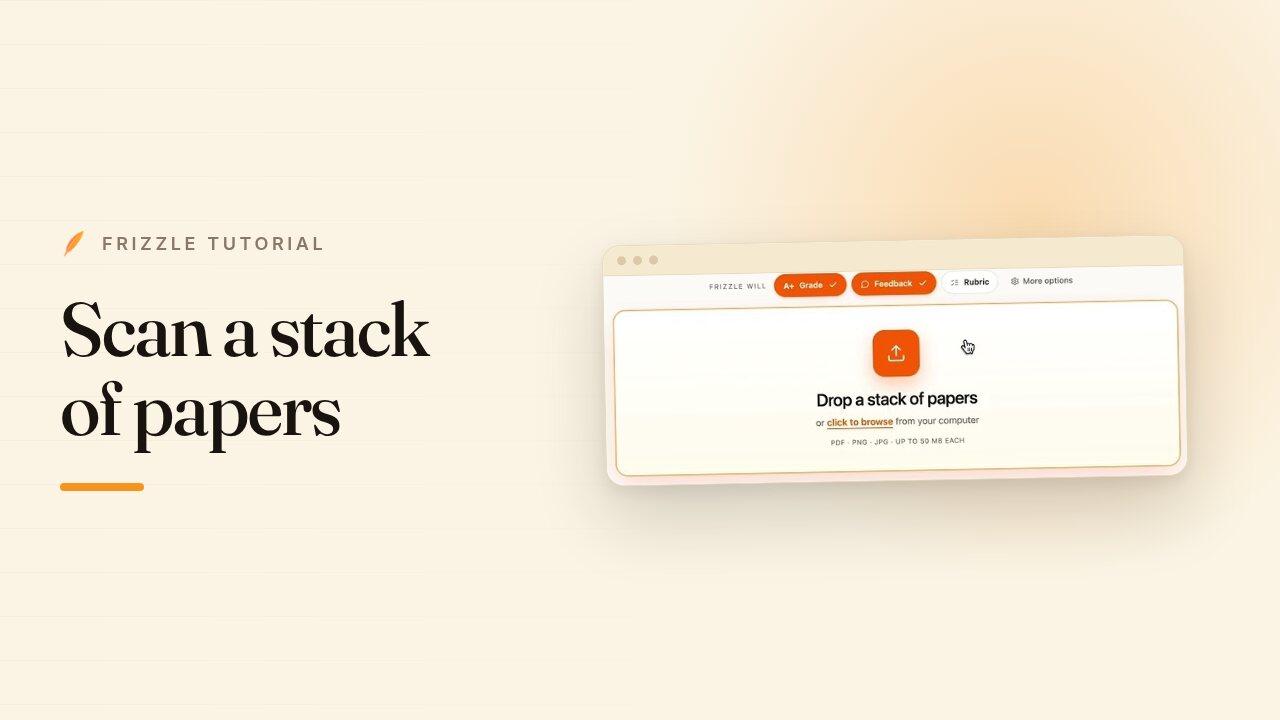
- Go to frizzle.com/textbook and upload your textbook PDF.
- Specify the pages you want. The toggle lets you count in textbook page numbers or in PDF page numbers, which are usually off by one.
- Pick the question numbers you want from each page.
- Click Generate question paper. Questions with diagrams come across with the diagrams.
- Leave space for written work to get a worksheet students can write on, or turn it off for a plain question paper.
- Upload the paper to Frizzle as a question paper, and grade your students' work against it.
Transcript
Hi, I'm Shyam And this is how you extract questions from a textbook in Frizzle. Just go to frizzle.com/textbook choose your PDF. You can upload your textbook in here, then specify the pages. Right. So let's say I want to take out from textbook, page 11. Right. Textbook page 11. It's PDF page 12. You can choose here whether do you want the textbook page or the PDF page?
I want pages 11 and 12 and then I want a couple of questions from each page. Let's say from page 11 I want questions one and three and then from page 12 let's do five and seven. So let's just do the odds. I'll click generate question paper and notice that some of these questions have diagrams and stuff and we were able to extract it into a question paper.
You can remove the space for work. And so now it's just a simple question paper. If you want to include space and have this as a worksheet for students, you can do that as well. Otherwise you can just use this worksheet, upload it to Frizzle as a question paper. And now we'll be able to grade your students work from the textbook.
Thanks.