The full platform tour: scanned papers to district data
Chapters
Five minutes, end to end. A stack of paper goes in, graded work with feedback written where the mistake is comes out, and the same marks turn into something a principal and a family can read.
Steps
- Scan or photograph the class set. A minute on the copier covers about a hundred pages.
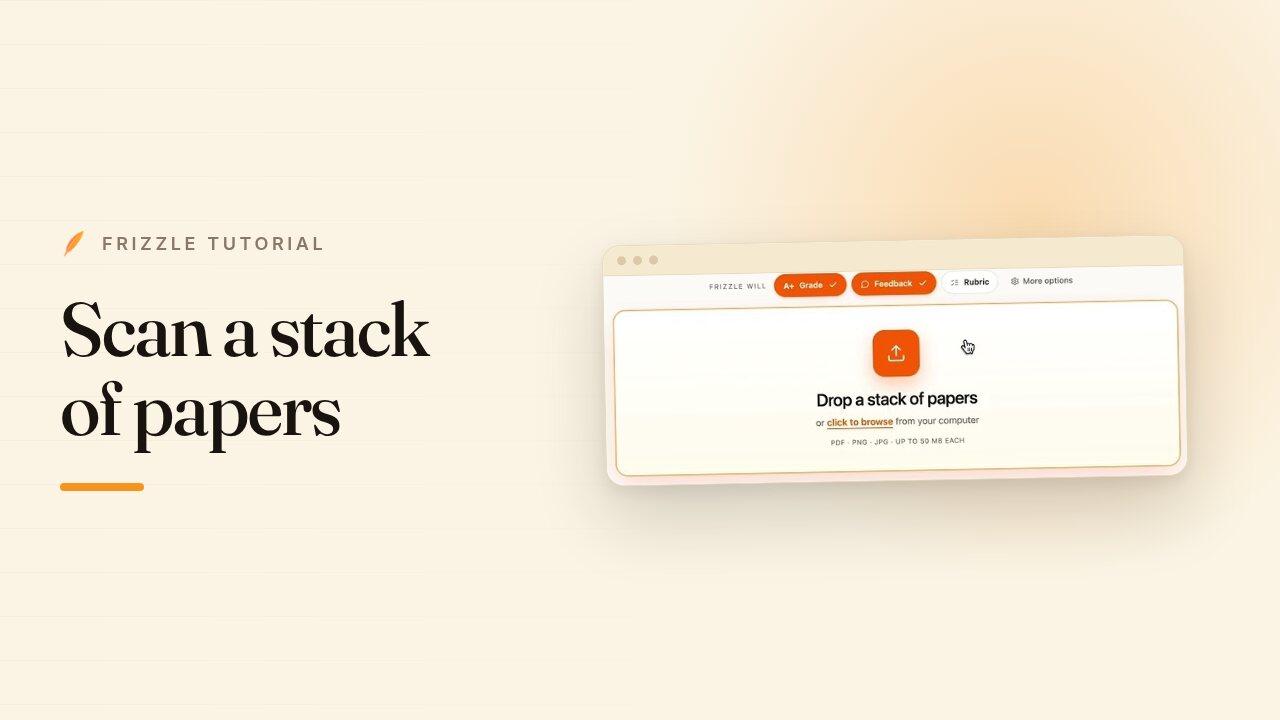
- Drop the stack on the grading page and say what you want back — a grade, feedback on the page, or both.
- Frizzle splits the pile by student, reads the names off the pages, and marks every one.
- Open a worksheet to see feedback written where the mistake is, with the score breakdown beside it.
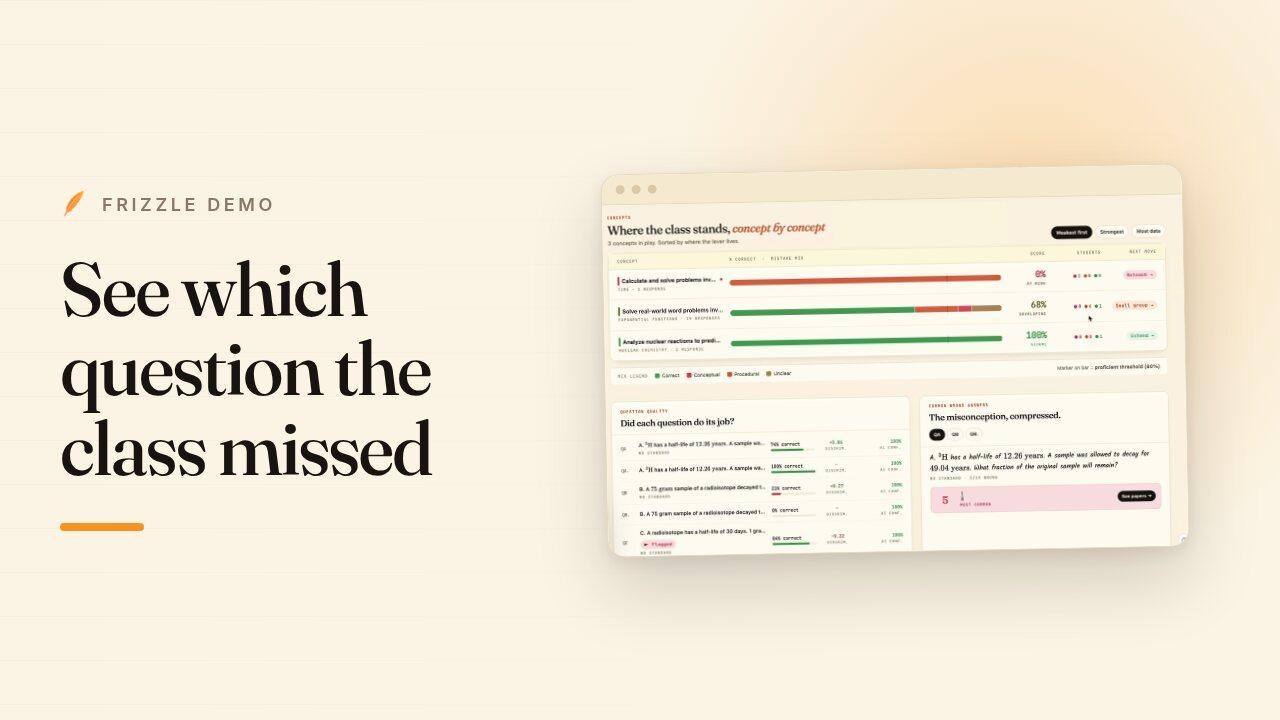
- Open Analytics to see how the class did question by question, and which students got each one wrong.
- In Admin View, the same marks become a summary a principal can read and a note a family can read.
Transcript
Hi, I'm Abhay, the co-founder of Frizzle. Today, I'll be showing you the Frizzle platform and all its features so that you can use those to improve instruction in real time and drive student outcomes in your district. Before I do that, I'd like to share a bit more about why we started Frizzle. Growing up, my co-founder Shyam and I, we've been really big math nerds.
We actually met in high school at the Illinois Math and Science Academy, one of the best math schools in the nation. And there we started this math nonprofit called the Midwest Math Circle. Basically to help kids get access to advanced math curriculum outside of school. While we were running that, we realized that there was really no easy way to give students that personalized formative feedback at scale.
And so that's kind of how the idea for Frizzle was born. Frizzle really started as a way to save teachers time grading and give students that personalized feedback that they could learn from. But now it's kind of evolved into a platform that can pull real-time data from pen and paper work so that you can keep your students on pen and paper where they learn best while also getting that real-time data visibility and using that to drive instruction and MTSS in real time. So here we are on the frizzle.com homepage.
A teacher can sign with their Google account, their LMS account or their email account and they would go to the grading workspace. On the grading workspace is where they would import the student work. And there's a few ways they can do that. The easiest way is if they have their students do the work and have them upload it to Google Classroom Canvas and then the teacher can automatically import it from those LMS tools.
The other way is if they hand out the papers in class, they can collect them and go to the scanner copy machine. Takes like a minute to scan 100 pages and they get one big PDF which they can drag and drop here. Finally, Frizzle does have an app on the app store where they can also use that to take pictures quickly as well. When they've brought in the student work, they can specify, do they want to give a grade, do they want to give feedback, do they want to use a rubric?
And there's also some advanced settings as well. If there's certain types of courses like AP calculus or AP statistics, there's a special mode for those. And for the cases where, you know, teachers upload one big PDF, it is helpful for us to understand how many pages are in each student's submission. So, we can separate the submissions.
Finally, teachers can also kind of specify the voice that they want to give the feedback in. So, do they want to give hints? Do they want to give the answer? Do they want to ask questions?
Even for younger students, there's even more engaging ways to give feedback, such as in the voice of a pirate. Once they let it run, within a few minutes, Frizzle will give back personalized feedback on the page in red ink for every single student for every question, just like how a teacher would mark up the page. Frizzle understands, you know, where exactly the student might have made the mistake and gives them that pointed feedback. So here, you know, Tom and Harry.
Tom gives Harry 12 apples. The question asked for how many apples did Tom and Harry have in total? The student set up the equation wrong because they accounted for Tom giving Harry 12 apples, but they didn't account for Harry also gaining 12 apples. And they also forgot to substitute X back in get the total number of apples, which the feedback fully calls out.
The feedback is fully editable as well. And then teachers can also add in new feedback if they would like as well. And once they're good with that, they can then export it right back out either to Google Classroom, Canvas, the LMS directly, or as a PDF, and they can email it to the students or print out a hard copy for them with the feedback on the page. It also grades, you know, based off a rubric.
So, here we're grading the AP Calculus BC exam based off the College Board rubric. And it gives detailed visibility on where the points were gained or where they were lost, helping with inter-rater reliability as well. But grading is really only the start. Once the teacher grades an assignment, we also tell them in real time what they can do to improve their instruction for next time.
We've heard from teachers that they love to use data to improve their instruction, but a they don't have the time or b they might not know how to read the data. And so every time they run an assignment through Frizzle, they'll get these three next steps that they should do to help set the class up for success. So, for example, you know, 17 out of 22 students miss question B. They should start tomorrow with a direct re-teach of this concept using a worked example.
They can see the evidence for it and they will also generate them the exact worked example that they can just run with in the class. These five students got 100%. Here's a challenge task for them. Right?
They can also dig into, you know, the exact students student by student by question. See what types of mistakes did they make? Procedural, conceptual, computational. Dig into common misconceptions by question.
See where the students kind of fall on the map in terms of engage versus master. This is for the teacher. Now, at the district and school level, you also get that same visibility where we'll tell you in real time what standards are weakest across your district, what standards are strongest, and you'll be able to dig in into where exactly what kind of mistakes that students make. You'll also be able to understand again high level overview of each school in your district as well and what their scores are.
And you also will get a personalized list of next steps to help you make the largest impact on student outcomes. So, you might get some suggestions on scheduling time with a certain principal, reallocating coaches, or maybe even adding standards to the summer school standard list. You can then click into a specific school as well, get that same view, standard by standard, weakest and strongest, and you'll get an overview of each class within that school, as well as next steps there. You can click into a specific class to get that further level of granularity as well, where you'll get the same standard breakdown.
You also get an understanding of where the students are performing well in the class, where they might be a bit behind and which ones are on track as well as next steps. And then finally, you can click into each specific student as well and get an understanding of what standards did they do well, maybe how you can approach a conversation with them in the classroom with scaffolding and even what you can send home to their parents to keep their parents engaged as well. We'd love for you to try out Frizzle and we're excited to see how you can use that in real time to help improve student outcomes across your district. If you have any questions, please feel free to reach out at hello@frizzle.com.
Thank you.