How to upload student work from your phone
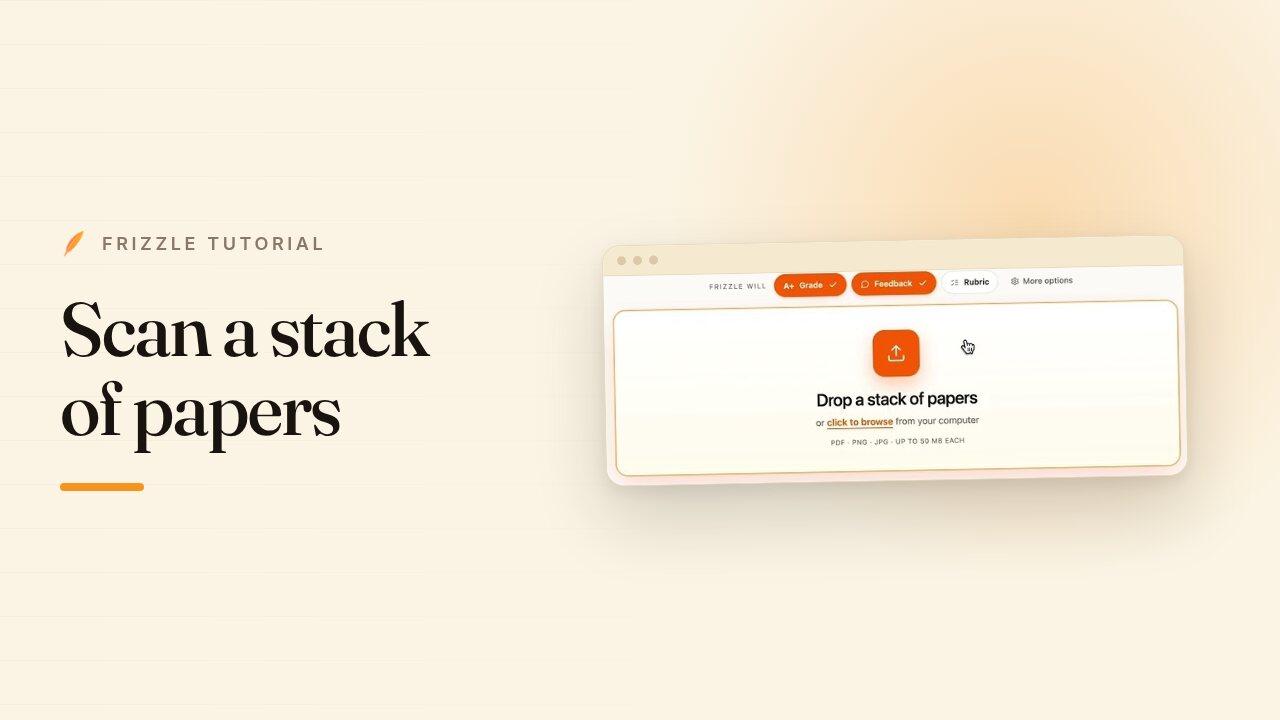
When the papers are in front of you and your laptop is not, your phone is the scanner. Capture the stack page by page, confirm how Frizzle has split it into submissions, and send it to grade.
Steps
- Open Frizzle on your phone and start a scan. Hold the page in view and the scanner squares it up for you.
- Shoot straight through the stack. The page counter in the corner keeps track of how many you have captured.
- Tap the tick when you are done. Frizzle analyses the pages and groups them into submissions.
- Name the assignment and choose whether you want grades, feedback, or both.
- Pick a class so the names on the pages are matched to your roster. Without one, Frizzle still reads each name and you can assign students on the web later.
- Check the submissions it found, then tap Save & Grade.