How to create a student upload link
A student upload link is the fastest way to collect work from a class that is not in an LMS. You create the link, students open it on a phone and add photos, and the submissions appear in Frizzle under their names.
Steps
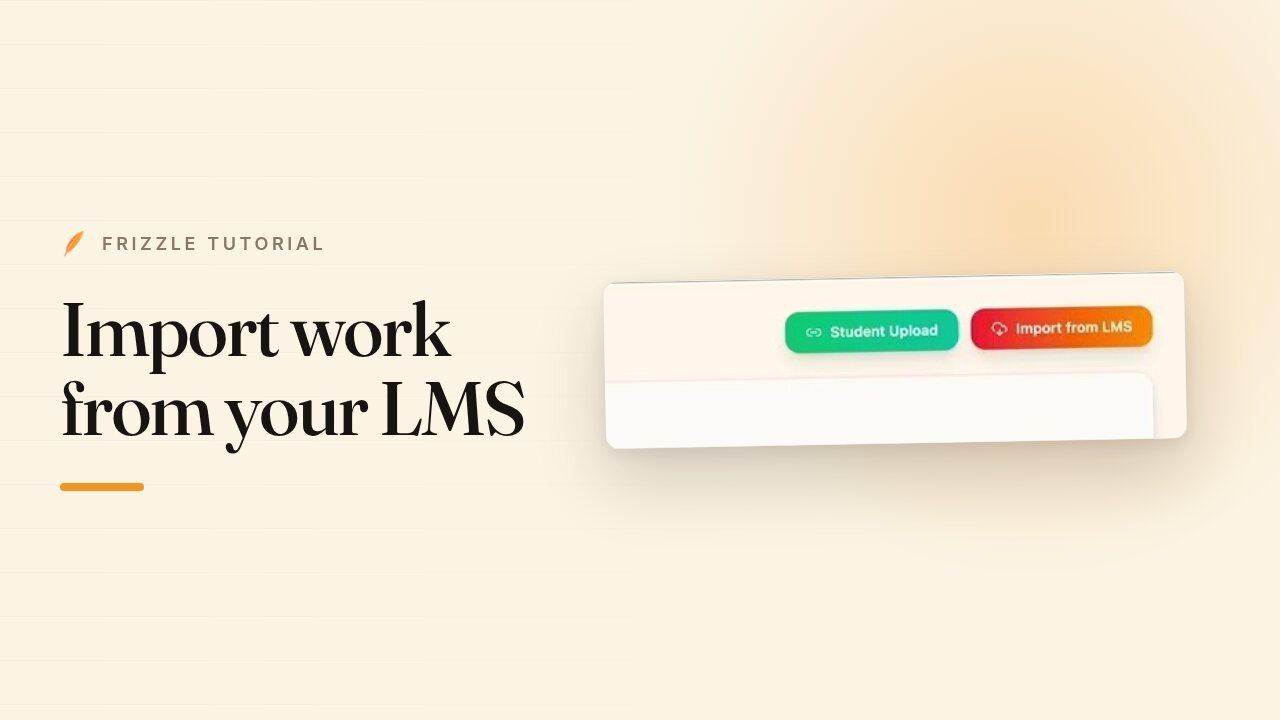
- Open Grading and click Student Upload in the top right.
- Give the assignment a name — this is what students see, so something like "Chapter 5 Quiz" works best.
- Frizzle creates the link. Copy it, or show the QR code on the board for students to scan.
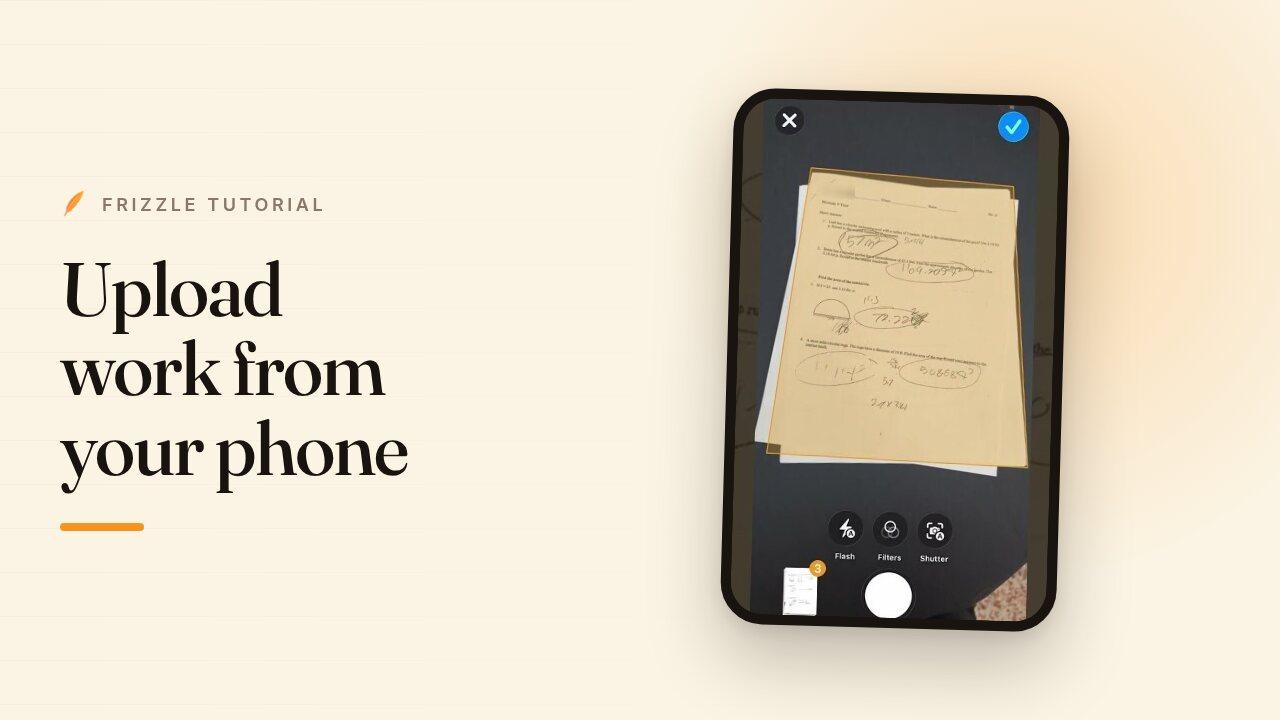
- Students open the link, type their name, and add photos or a PDF of their work. They never sign in and never need an account.
- Come back to the Student Upload panel to see what has arrived. Your links stay there, so you can reuse one or check it later.
- Select the submissions you want and send them through to grading.