How to create student download links
A download link is the quiet way to hand work back — one private PDF per student that you can paste anywhere. Export again later and Frizzle only rebuilds the papers you actually changed.
Steps
- Finish grading and click Save All, so the links are built from your final marks.
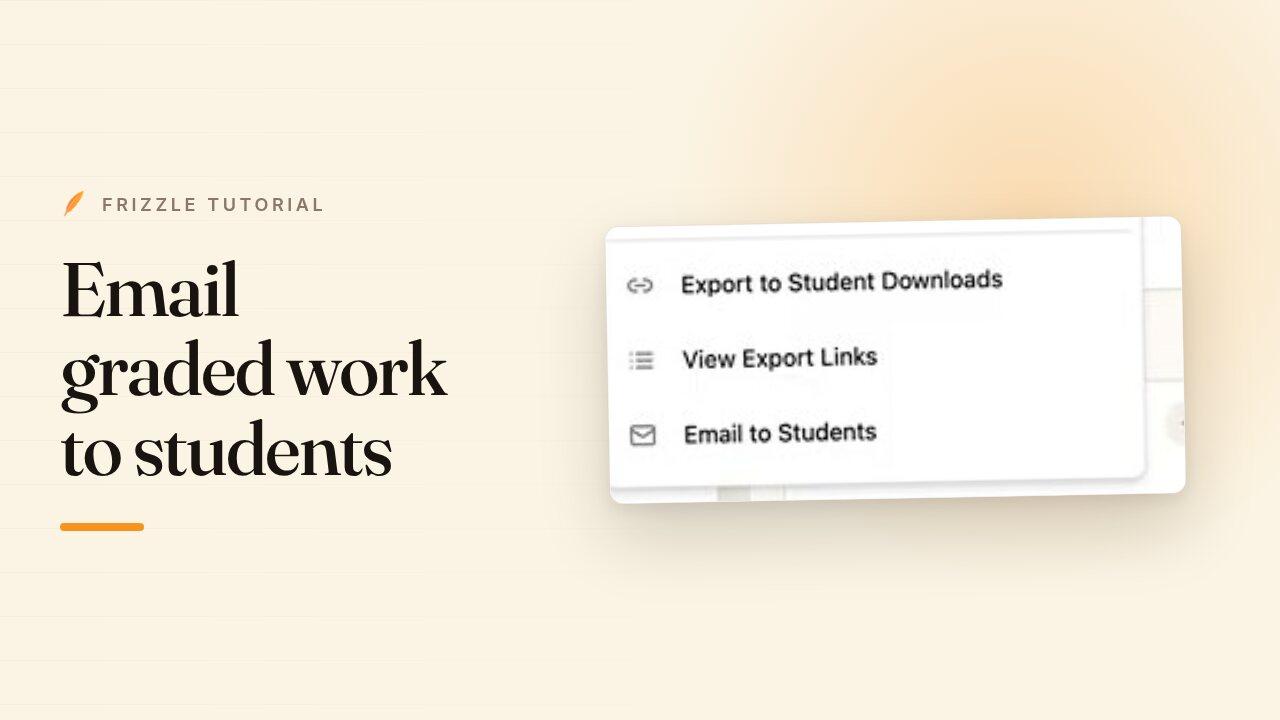
- Open Export All in the top right and choose Export to Student Downloads.
- Wait while Frizzle builds a PDF for each student. The links dialog opens as soon as it is done.
- Copy a link per student, or come back to the whole list later with Export All, then View Export Links.
- Paste a link into your LMS, a message or an email. Only that student's work sits behind it.
- If you edit a paper and export again, Frizzle offers to rebuild only the ones that changed rather than the whole class.